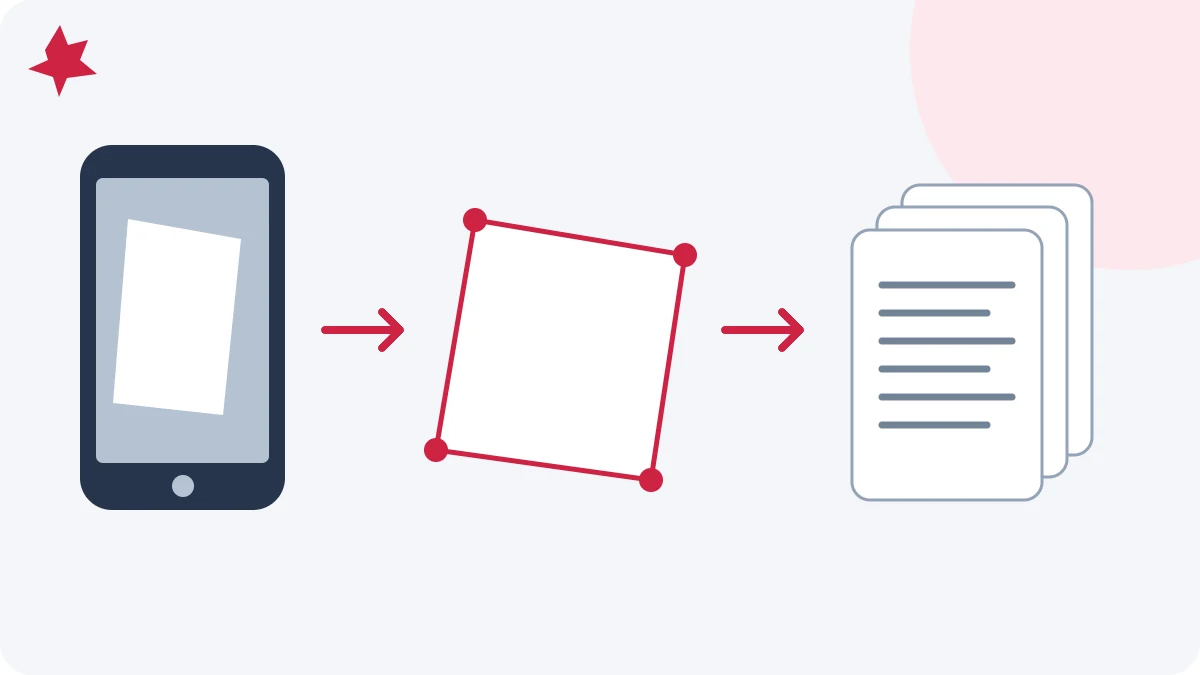
How to scan documents to PDF with your phone
Photograph paper, adjust page corners, correct perspective and arrange a readable multipage PDF on your phone.
Read How to scan documents to PDF with your phoneStep-by-step PDF guides for everyday work: merge, split, compress, convert, sign, and secure documents — with examples, troubleshooting steps, and clear checks before you share a file.
PDFMaple guides are written for everyday document workflows rather than abstract theory. Each article links to a live tool, explains the practical use case, and highlights common mistakes that slow people down when they work with PDF files.
For company background, file-handling practices, and support information, see About, FAQ, Privacy Policy, and Contact.
Photograph paper, adjust page corners, correct perspective and arrange a readable multipage PDF on your phone.
Read How to scan documents to PDF with your phone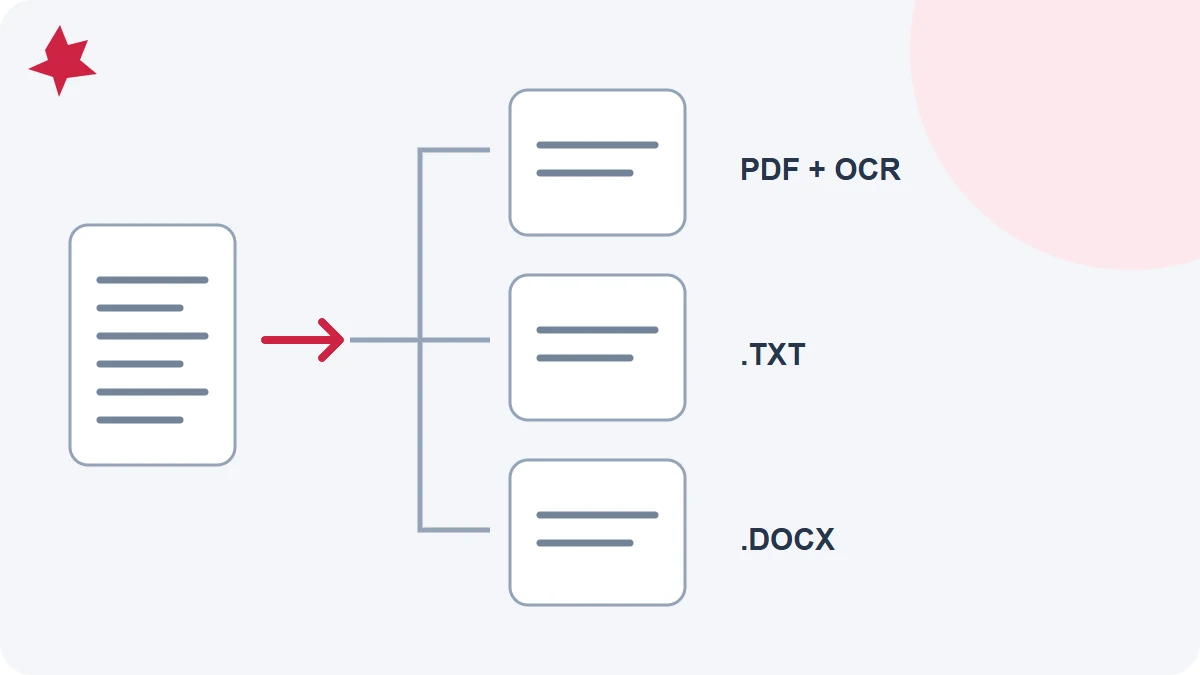
Choose recognition, text extraction or Word conversion according to your source document and the result you need.
Read OCR PDF vs PDF to Text vs PDF to Word: which should you use?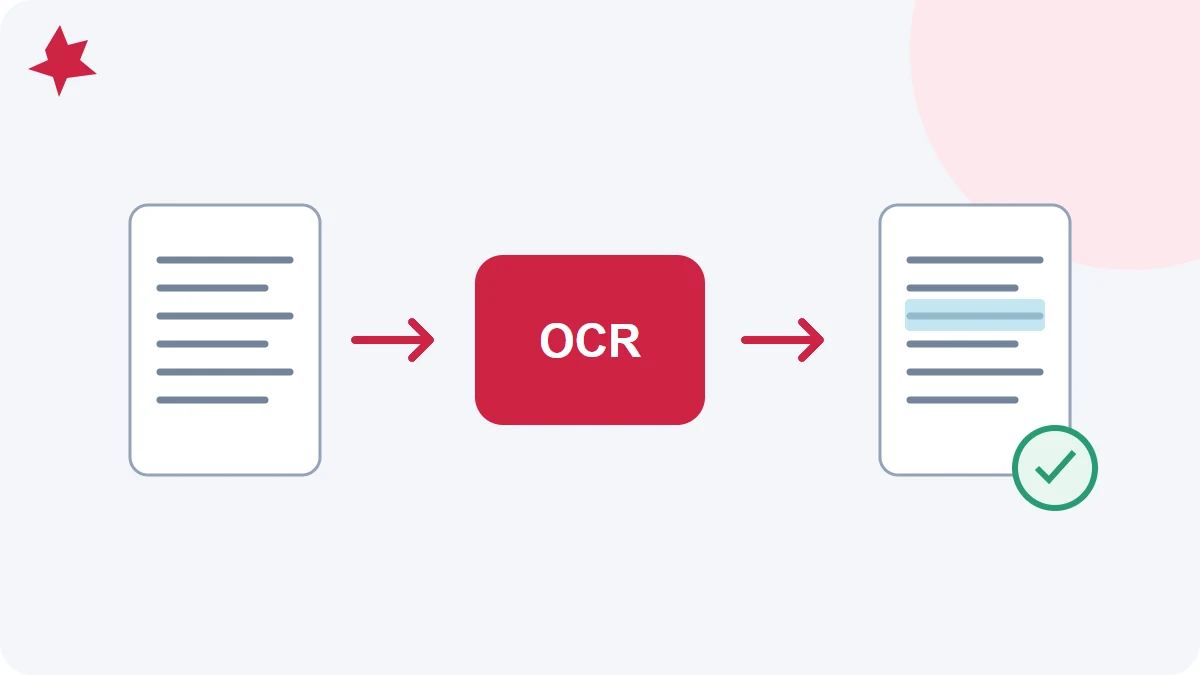
Add a searchable text layer to a scanned PDF, check recognized words and choose a useful next step.
Read How to make a scanned PDF searchable with OCR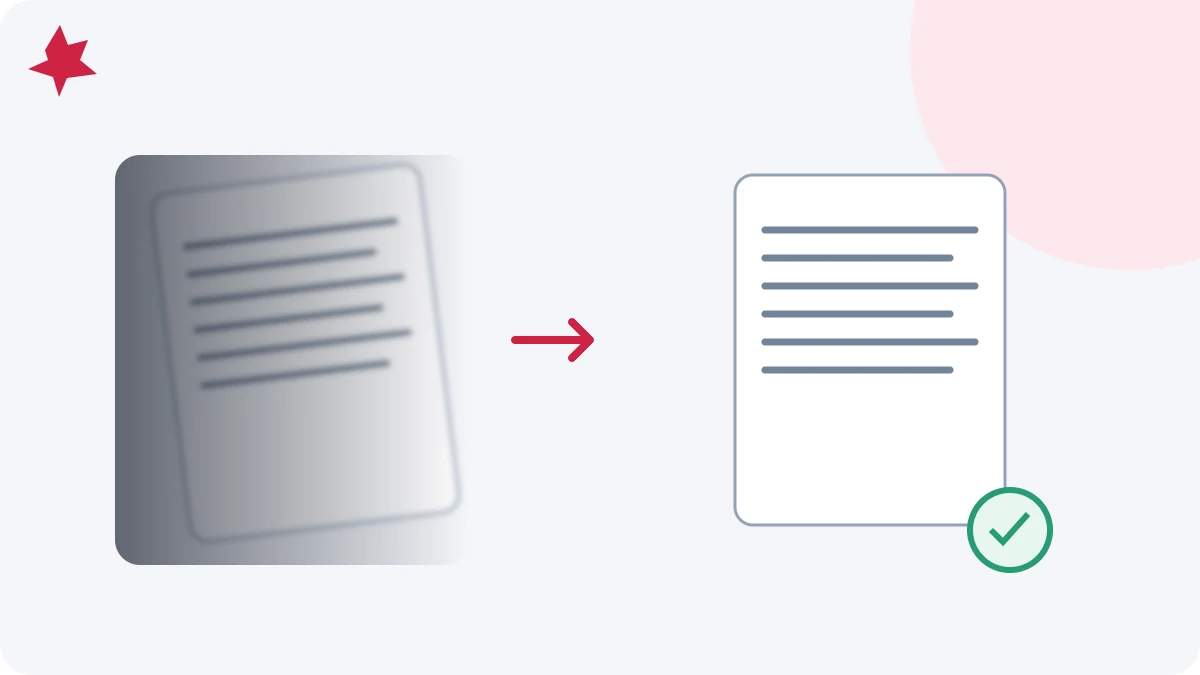
Improve focus, lighting, crop and language selection before OCR, then verify the recognized text against the scan.
Read How to get better OCR results from phone scans
Fix extracted PDF data in Excel: check shifted columns, text numbers, leading zeros, dates and totals while preserving a raw copy.
Read Clean PDF-to-Excel data: numbers, columns and totals
Prepare PDF tables for Excel extraction. Understand scanned pages, worksheet layout, missing cells and the checks to make before using the data.
Read Extract PDF tables to Excel: prepare and check your file
Inspect page breaks, text order, contact details and links in the exported resume without assuming every system reads it identically.
Read Check resume fonts and layout after exporting to PDF
Identify truly blank scan pages, use PDF page positions, and check the boundaries after removing unwanted pages.
Read Remove blank pages from a duplex scan safely
Photograph receipts clearly, match their order to an expense list, and check the final PDF before reimbursement submission.
Read Turn phone receipts into a readable reimbursement PDF
Diagnose PDF upload failures by checking format, size, encryption, filename and the receiving portal’s actual requirements.
Read PDF upload rejected? Check the file before retrying
Verify recognized invoice text against the source scan, including ambiguous characters, table alignment and numeric details.
Read Check invoice text after OCR: numbers, rows and references
Plan page order, combine application documents, and verify every attachment before submitting one PDF.
Read Build one PDF packet for an application
Check page order, readable text, file size, redaction, and the actual downloaded copy before sharing a PDF.
Read A five-minute PDF check before you send a document
A practical scan-quality and proofreading checklist for turning an image-based PDF into editable Word text.
Read From scanned PDF to editable Word: an OCR checklist
Convert DOCX into PDF and check fonts, table boundaries, page breaks, and your final download.
Read Word to PDF: check fonts, tables, and page breaks
Choose a PDF-to-Word output mode, recognize scanned text, and check what changed in the resulting Word document.
Read PDF to Word: editable text or preserved appearance?
Open a PDF in the Word-style editor, change its text, and verify the saved PDF or DOCX.
Read Edit a PDF in PDFMaple and save your changes
Password-protect a PDF and share it safely. Learn encryption basics, how to choose a strong password, and the best way to send it.
Read Protect a PDF with a password and share it safely
Reduce PDF size for email, uploads, and faster sharing. Learn compression levels (screen/ebook/printer/prepress) with PDFMaple.
Read Compress PDF files for email and web without ruining quality
Understand what PDFs are, why they’re popular, and how to edit, convert, and secure them using free tools like PDFMaple.
Read What is a PDF file? A practical guide for everyday work
A practical step-by-step paperless workflow for freelancers and small teams: scan, organize, convert, sign, protect, and archive documents cleanly.
Read How to build a paperless document workflow in 2026 (step-by-step)
A practical PDF size guide for email, portals, printing, and archiving. Learn what makes files large and how to reduce size without guesswork.
Read PDF file size guide: what’s normal, what’s too big, and how to fix it
Understand PDF compression presets with practical examples: when to use screen, ebook, printer, or prepress and what each one sacrifices.
Read How to choose the right PDF compression level (screen vs ebook vs printer vs prepress)
How to judge whether an online PDF tool is safe: HTTPS, deletion policies, privacy language, and when to avoid browser uploads entirely.
Read Is it safe to use online PDF tools? What to look for
An honest comparison of online PDF tools and Adobe Acrobat. Learn when a browser workflow is enough and when desktop software is worth paying for.
Read Online PDF tools vs Adobe Acrobat: which one do you actually need?
Combine JPG photos into a printable PDF in the right order. Learn how to keep quality, manage margins, and avoid huge file sizes.
Read JPG to PDF for printing: order, margins, and size
Export PowerPoint to PDF so slides look identical everywhere. Covers fonts, image quality, file size, and the best sharing settings.
Read PowerPoint to PDF: share slides without font issues
Convert a PDF into a PowerPoint deck where each PDF page becomes a slide. Great for presenting or sharing while keeping the original layout intact.
Read PDF to PowerPoint: turn PDF pages into slides
Convert Excel to a one-page, print-ready PDF. Prep your sheet (print area, scaling, margins) and export to PDF with consistent layout.
Read Excel to PDF: fit your sheet on one page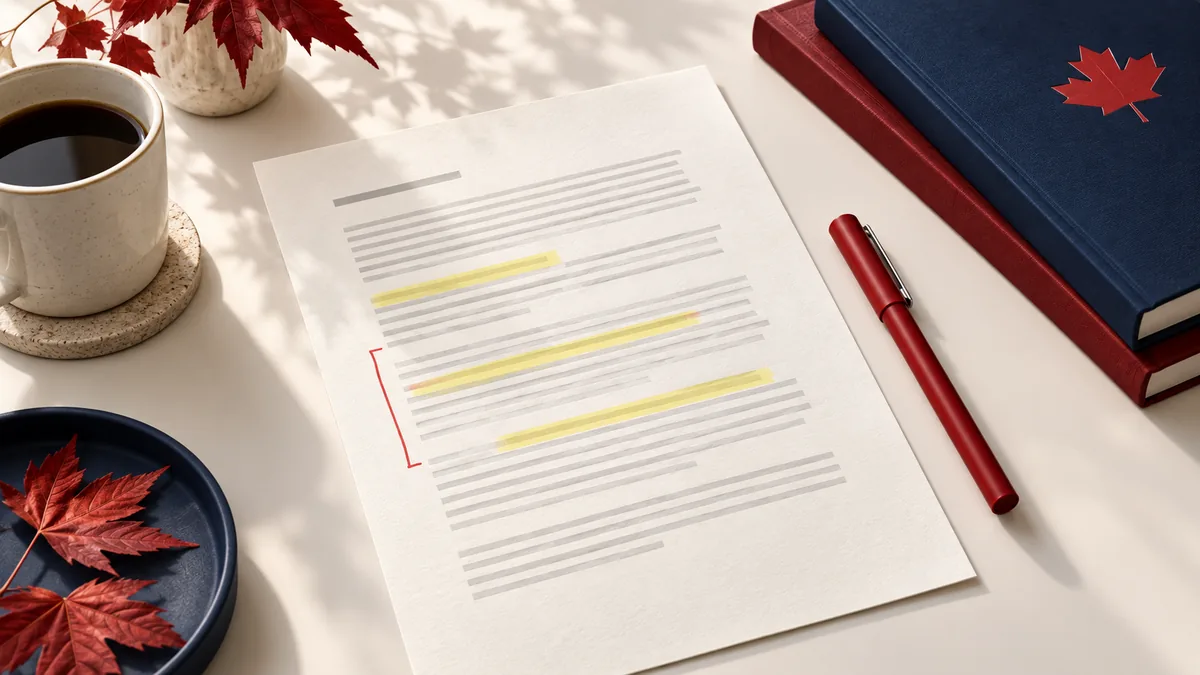
Highlight text and annotate PDFs online: add notes, shapes, and markups directly in your browser. Quick steps, plus tips for clean exports.
Read Highlight and annotate a PDF online (no installs)
Split a PDF into 2‑page chunks (or equal parts) for printing and sharing. Includes the fastest workflows for short and long documents.
Read Split a PDF every 2 pages (or into equal parts)
Merge A4 and Letter PDFs (mixed sizes/orientation) in the right order. Learn what to expect, plus tips to avoid print and layout surprises.
Read Merge PDFs with different page sizes (A4 + Letter)
Need a PDF under 100KB for an upload limit? Learn practical ways to compress a PDF while keeping it readable—and what to do if images keep it large.
Read Compress a PDF to 100KB (without wrecking quality)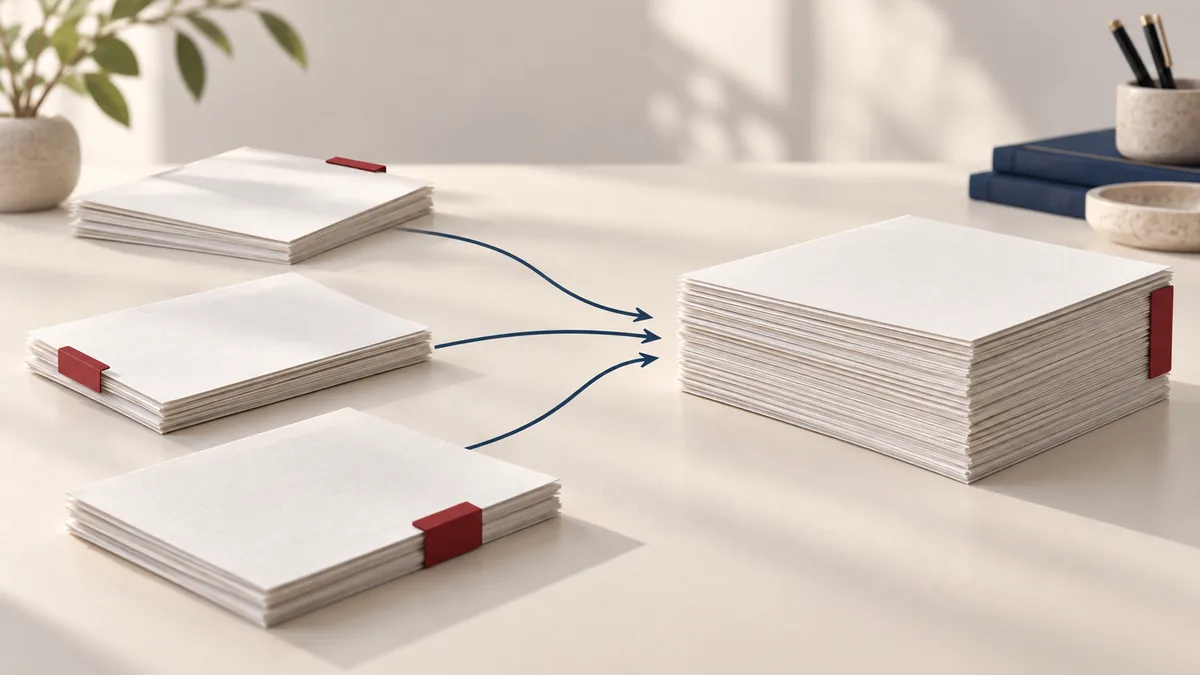
Learn how to combine multiple PDFs into one file in seconds. Step-by-step merge guide using PDFMaple, plus pro tips for clean results.
Read How to merge PDF files online for free
Split a PDF into single pages or extract a page range as a new PDF. Follow this quick guide with PDFMaple’s Split PDF tool.
Read How to split a PDF into separate pages (or keep a page range)
Delete specific pages from a PDF safely—blank pages, mistakes, or extras. Use PDFMaple’s Remove Pages tool with page-range tips.
Read Remove pages from a PDF without losing quality
Keep only the pages you want from a PDF. Learn page selection formats (1,3,5-7) and export a clean document with PDFMaple.
Read Extract pages from a PDF and share only what you need
Need to rearrange pages in a PDF? Learn how to reorder pages quickly with PDFMaple and avoid common printing and submission mistakes.
Read Reorder PDF pages: rearrange pages in seconds
Turn images into a single PDF—perfect for scans, receipts, or portfolios. Step-by-step guide using PDFMaple’s Images to PDF tool.
Read Convert images to PDF: create a PDF from JPG/PNG photos
If a PDF won’t open or shows errors, try repairing it. This guide explains what “repair” does and how to use PDFMaple’s Repair PDF tool.
Read Repair a PDF file: fix common errors and opening issues
Convert JPG or other images into one PDF for sharing or printing. Learn best practices (order, orientation, quality) with PDFMaple.
Read JPG to PDF: turn images into a single PDF (fast + clean)
Convert PPT/PPTX to PDF so your slides look the same everywhere. Learn the quickest workflow with PDFMaple’s PowerPoint to PDF tool.
Read PowerPoint to PDF: export slides for sharing and printing
Turn Excel spreadsheets into clean PDFs for sending, printing, or archiving. Tips for scaling and layout plus the PDFMaple workflow.
Read Excel to PDF: make print-ready spreadsheets in one click
Need a PDF from an HTML file? Learn how to convert HTML to PDF and keep layouts readable using PDFMaple’s HTML to PDF tool.
Read HTML to PDF: convert web pages and HTML files into PDFs
Convert each PDF page to a JPG image. Learn what DPI means, which setting to choose, and how to export with PDFMaple.
Read PDF to JPG: export PDF pages as images (DPI explained)
Turn a PDF into a PowerPoint deck quickly. This guide explains how PDFMaple creates slides from pages and how to choose the best DPI.
Read PDF to PowerPoint: make slides from PDF pages
Need long-term archiving? Learn what PDF/A is, when to use it, and how to convert a standard PDF to PDF/A with PDFMaple.
Read PDF to PDF/A: what it is and how to create archive-friendly files
Rotate an entire PDF or specific pages by 90°, 180°, or 270°. Quick step-by-step guide using PDFMaple’s Rotate PDF tool.
Read Rotate a PDF: fix sideways scans and wrong orientation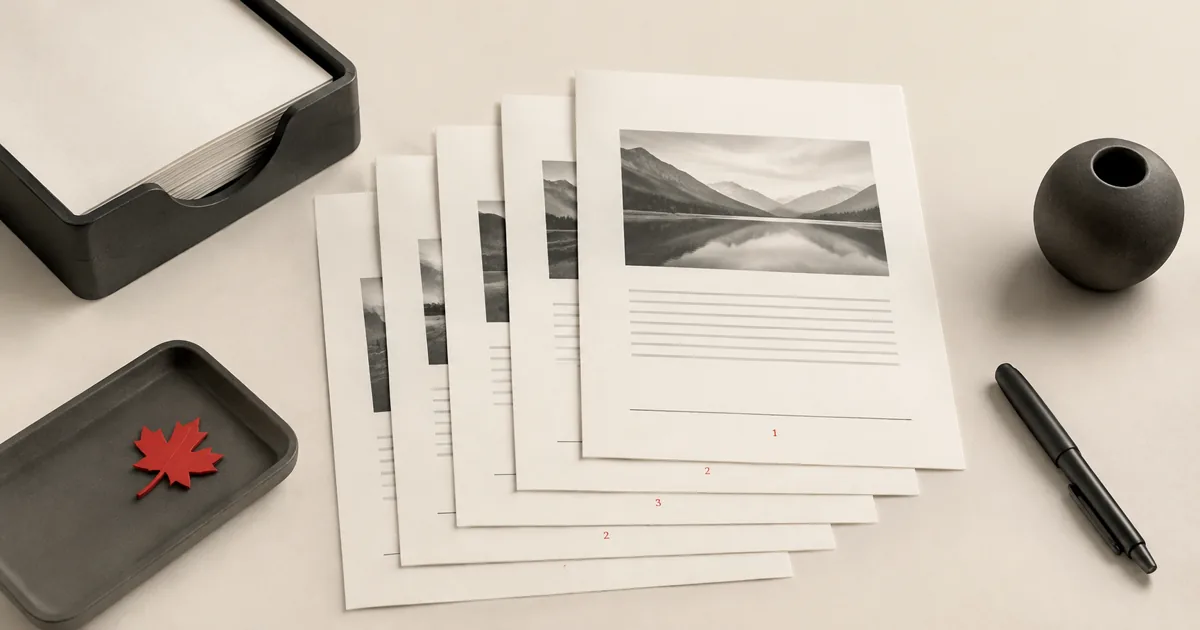
Add page numbers to PDFs for reports, contracts, and schoolwork. Choose position and start number with PDFMaple’s Page Numbers tool.
Read Add page numbers to a PDF (positions, starting number, tips)
Stamp “CONFIDENTIAL”, “DRAFT”, or your brand across PDF pages. Learn opacity and angle settings with PDFMaple’s Watermark tool.
Read Add a watermark to PDFs for branding and confidentiality
Remove extra white space and align your pages by cropping margins. Learn points-to-inches and a clean workflow with PDFMaple’s Crop PDF tool.
Read Crop a PDF: trim margins and clean up scanned documents
Forgot the password for a PDF you’re allowed to open? Learn how to remove password protection using PDFMaple’s Unlock PDF tool.
Read Unlock a PDF: remove a password (with permission)
Add a password to your PDF before sharing. Learn strong-password tips and how to protect PDFs with PDFMaple’s Protect PDF tool.
Read Protect a PDF with a password: best practices and setup
Add an electronic signature stamp to a PDF. This guide covers signature images, positioning, and using saved signatures in PDFMaple.
Read How to sign a PDF online: create a signature and place it
Protect private information by redacting text in PDFs. Learn safe redaction practices and how PDFMaple’s Redact tool works.
Read Redact a PDF: hide sensitive text the right way
Need to see what changed between two versions? Learn how to visually compare PDFs and choose DPI for accuracy with PDFMaple.
Read Compare two PDFs and spot differences fast (visual diff)
Learn the difference between PDF and PDF/A, when to pick each, and how to create PDF/A files for archiving with PDFMaple.
Read PDF vs PDF/A: which format should you use (and why)?
Make PDFs smaller for email and uploads without destroying readability. Compression settings, cleanup tips, and the PDFMaple workflow.
Read How to reduce PDF size without losing quality (7 practical tips)
Before sending a PDF, run through this security checklist: passwords, watermarks, redaction, and signing. Tools and best practices.
Read PDF security checklist: protect, watermark, and redact before you share
Export clean PDFs from Word, Excel, and PowerPoint. Learn layout tips, PDF/A options, and how to convert files fast with PDFMaple.
Read Office to PDF best practices: Word, Excel, and PowerPoint sharing guide
Build a lightweight paperless routine: turn images into PDFs, merge, add page numbers, sign, and protect. A step-by-step PDFMaple guide.
Read A simple paperless workflow with PDFs: scan, organize, sign, and store
Accounts are optional. Core PDF tools still work without signing in.
Continue with Google