From scanned PDF to editable Word: an OCR checklist
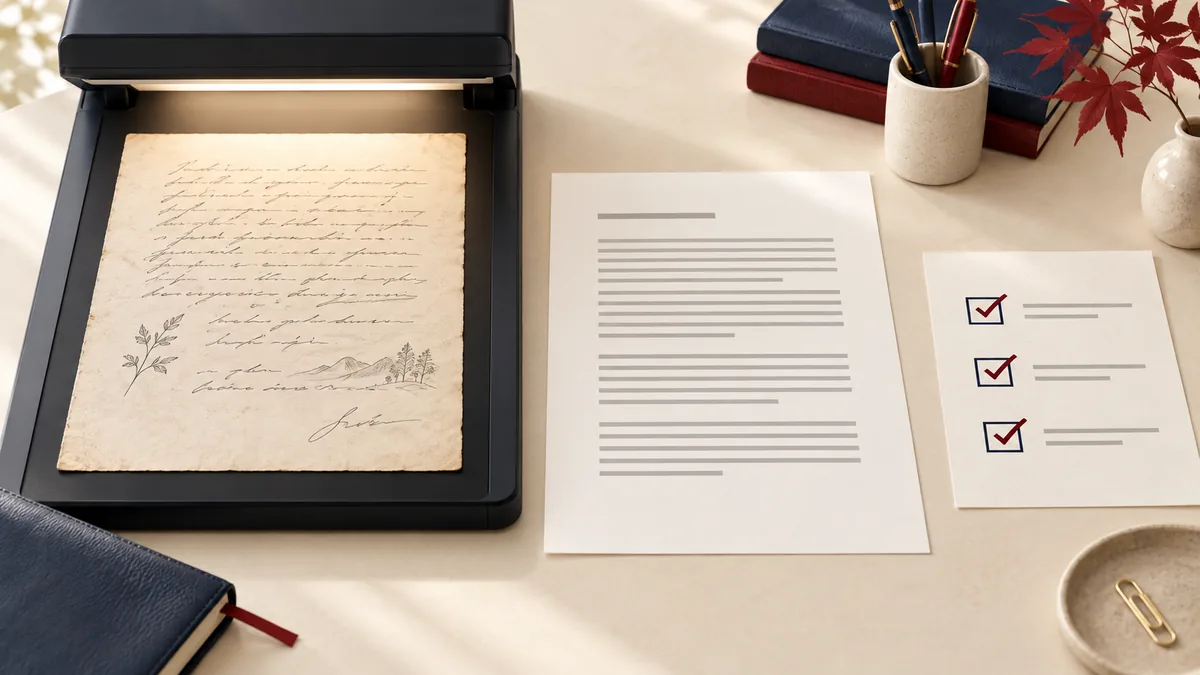
If dragging across a sentence in a PDF selects a rectangular image instead of words, the page may be a scan. Optical character recognition (OCR) attempts to recognize those pictured letters. It can save transcription time, but it should be followed by proofreading.
Start with the best available scan
Use the original scan rather than a screenshot of a preview. Check that the entire page is visible, the words are upright, and the background is reasonably even. Heavy shadows near a book’s spine, skewed pages, and small compressed letters make recognition harder. Rescanning is often faster than correcting hundreds of errors.
Choose the recognition language
In PDF to Word, select editable output and choose the document’s language. The language setting gives recognition a better vocabulary; it does not translate the document. If a page mixes languages, inspect the secondary language especially carefully.
Use a short trial before a large job
- Use Extract pages to create a sample with a typical text page and the hardest table or diagram.
- Convert that sample to editable Word.
- Compare one paragraph line by line, then check a table row and a page heading.
- If recognition is poor, improve the scan before processing the full document.
A proofreading order that catches expensive mistakes
| Check first | Why it matters | Example |
|---|---|---|
| Names and reference IDs | Spellcheck may not recognize valid unusual text. | O versus 0 in an invoice reference |
| Amounts and dates | A small character error changes meaning. | 1,250.00 versus 1250,00 |
| Reading order | Columns may be merged incorrectly. | The end of the left column joined to a right-column heading |
| Negation and punctuation | A missing word or mark can reverse a sentence. | A missing “not” or minus sign |
Why editable output can look simpler
The scan’s appearance lives in pixels. An editable document needs text runs, paragraphs, and reading order. PDFMaple’s scan fallback reflows recognized text instead of embedding the entire page as the only content. Expect to restore headings, spacing, and complex tables in your Word editor.
When to keep page images instead
If the document is mostly diagrams, handwriting, or a visual reference, preserve-appearance mode may be more useful. Its page images retain the visual reference but do not turn words into editable text. Keep the original scan with any corrected transcription so another reader can check uncertain passages.
For a comparison of all output choices, read editable text versus preserved appearance.
When a searchable PDF is enough
If you need to search the document without editing its layout, try OCR PDF first. Keep the searchable PDF as a visual reference alongside any editable Word copy.