OCR PDF — Make a PDF Searchable
Add searchable text to scanned PDFs with English and French OCR. Keep existing text, review the result and download your searchable PDF.
Files are sent to PDFMaple’s server when you run processing or export. Some previews and page edits run on your device. File handling and retention
1 Select your files
2 Process & download
Learn more about OCR PDF — Make a PDF Searchable
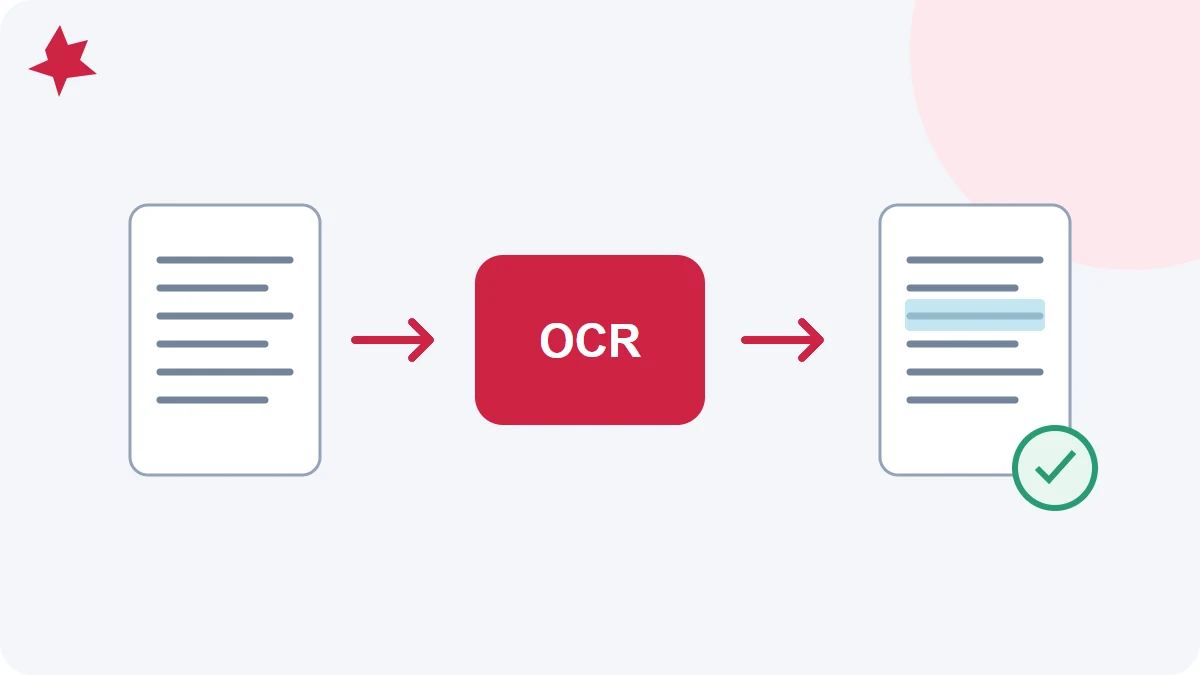
What OCR PDF — Make a PDF Searchable should help you finish
OCR PDF — Make a PDF Searchable helps with a focused PDF task that is easier to finish in the browser than in the original source application.
The useful result is a cleaner output that matches the next step in the workflow without forcing unnecessary rebuilding work.
When people use OCR PDF — Make a PDF Searchable
- Process a document directly in the browser without installing extra software.
- Prepare a file for sharing, printing, or archiving more efficiently.
- Fix a practical PDF problem quickly and move on with the rest of your workflow.
This workflow is most useful when the file content is broadly correct and the remaining job is specific to OCR PDF — Make a PDF Searchable.
How to use OCR PDF — Make a PDF Searchable in PDFMaple
- Upload the file or files you want to process.
- Choose the settings that match the result you need.
- Click Run tool and let processing finish without closing the tab mid-task.
- Open the result once before you share or archive it.
A short review before download catches most mistakes people make when they rush document cleanup.
Checks to run before download
- Open the result once before you share or archive it.
- Open the output once at normal zoom.
- Rename the result clearly before sharing it.
The fastest final review is the one that focuses on the detail the next person will notice first.
Mistakes that slow this workflow down
- Running the tool without checking whether the source file is the right version.
- Skipping the final review because the change felt too small to matter.
- Saving the result with a vague filename that is hard to identify later.
Clear naming and one calm final review step prevent a surprising number of avoidable document problems.
Handling and workflow notes
Review the finished output as if you were the recipient, especially if the file will be shared outside your immediate workflow.
Source quality still matters, so a cleaner export or a related cleanup tool may improve the final result if something looks off.