
PDF to Word
Convert PDF to Word online and create an editable DOCX for updates, reuse, and document cleanup.
Files are sent to PDFMaple’s server when you run processing or export. Some previews and page edits run on your device. File handling and retention
1 Select your files
2 Process & download
Learn more about PDF to Word
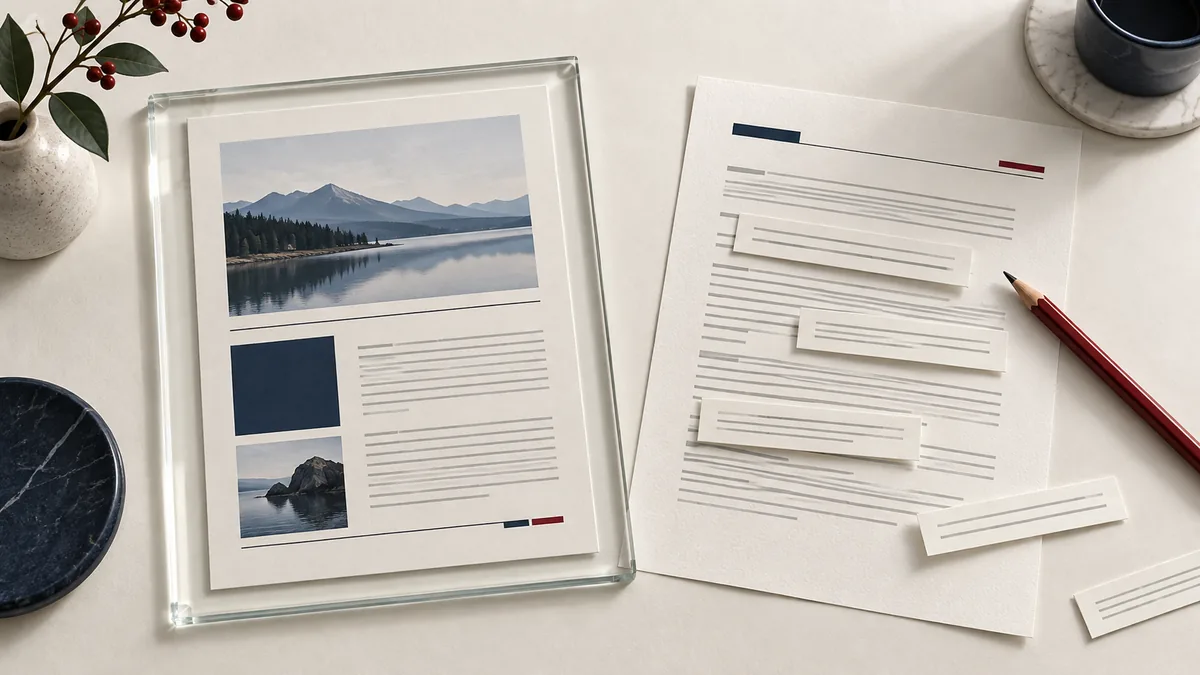
What a workable PDF-to-DOCX result looks like
PDF to Word is about getting back to an editable document when the source file is missing or unavailable. A good result is not perfect visual identity on every page; it is a DOCX that preserves enough structure and text flow that you can update the content without retyping the whole thing.
That is most useful for contracts, policies, invoices, reports, and reference documents that arrive as PDF but still need revision, extraction, or reuse in a Word-based workflow.
When PDF to Word is worth using
- Convert a PDF into an editable DOCX when the source file is unavailable.
- Reuse report text, contract language, or invoice details without retyping.
- Update a document in Word after receiving only a PDF from another person.
Use this tool when editability matters more than pixel-perfect page fidelity. It is a practical recovery workflow for text-heavy PDFs, especially when the alternative is manual copy-and-paste or rebuilding the document from scratch.
How to convert with realistic expectations
- Upload the PDF you want to turn into an editable DOCX file.
- Expect the cleanest results from text-based PDFs and plan light cleanup for complex layouts.
- Click Run tool and let processing finish without closing the tab mid-task.
- Open the DOCX and inspect headings, tables, and page breaks before you start deeper editing.
The cleaner the source PDF, the cleaner the DOCX. Text-based PDFs usually convert well; scans, multi-column layouts, and dense tables often need review and light cleanup afterward.
Editing checks before you trust the DOCX
- Compare headings, bullet lists, and table structure against the original PDF before you begin editing heavily.
- Look at footers, page numbers, and page breaks if the DOCX will later be converted back into a polished PDF.
- Test whether the document is truly editable or whether key sections came across as images because the source was scanned.
The goal is a usable working file, not a perfect clone. The right question is whether the output saves meaningful time compared with starting over, not whether every visual detail matches without any adjustment.
Conversion assumptions that cause cleanup pain
- Expecting a heavily scanned or graphically complex PDF to become a clean Word file with no manual cleanup.
- Editing the DOCX immediately without checking whether tables, clauses, or numbering shifted during conversion.
- Throwing away the original PDF before the edited Word file has been reviewed against it.
Keep the source PDF beside you during the first review. That side-by-side check catches most conversion issues quickly and keeps later edits from drifting away from the original meaning.
Source-quality and editing notes
PDF-to-Word output is a working document, not automatically a final deliverable. If the edited file will be shared externally, plan a second pass in Word and then export a fresh PDF for distribution.
If the PDF contains confidential material, the DOCX will too. Editable output often spreads more easily inside a team than a locked PDF, so handle the converted file with the same access care as the original.
A practical document check
Choose editable output when you need to revise a paragraph. After conversion, select a sentence in Word to confirm that the result contains real text.
Limits to account for
OCR can misread names and amounts. Image-based output can preserve appearance without providing editable paragraphs; complex tables may reflow.
Verify the downloaded copy
Compare a heading, a table row and the smallest footnote with the source. Correct recognition errors before editing prose.
For another worked-through workflow, read scanned pdf ocr checklist. See the file handling and retention details before uploading sensitive documents.