
Merge PDF Online
Merge PDF files online in seconds. Combine multiple PDFs into one document with page order control and no installation.
Files are sent to PDFMaple’s server when you run processing or export. Some previews and page edits run on your device. File handling and retention
1 Select your files
2 Process & download
Learn more about Merge PDF Online
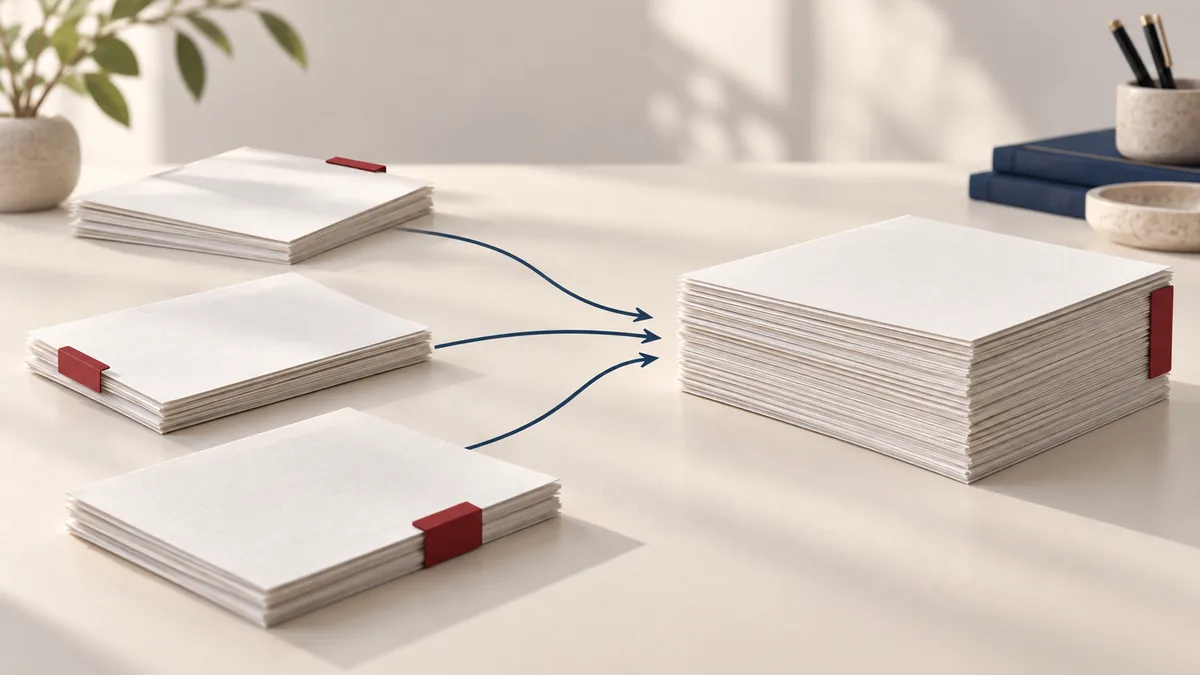
What a clean merged packet should achieve
Merge PDF is usually the assembly step that happens after the real document work is already done. The useful outcome is not merely one bigger file, but one packet that opens in the right order, keeps each section intact, and saves the recipient from juggling several attachments.
That matters for application bundles, client packets, board packs, monthly reporting, and contract exhibits. When the merge step is handled cleanly, the next person can review from page 1 to the last appendix without asking for a corrected order or missing attachment.
Where merge fits in a real workflow
- Combine forms, appendices, and supporting documents into a single submission file.
- Join monthly statements, invoices, or scanned pages into one packet for review.
- Create one clean PDF for printing instead of asking someone to open several attachments.
This tool is strongest when the content of each source PDF is already correct and the only remaining problem is packaging. It is much faster to combine finished PDFs than to reopen Word, Excel, or a scanner workflow just to create a single handoff file.
Steps that matter before download
- Upload the PDF files you want to combine, then confirm the order from first page to last.
- Arrange the files in the correct sequence so the merged output reads naturally.
- Click Run tool and let processing finish without closing the tab mid-task.
- Download the merged PDF and confirm the pages, bookmarks, and orientation make sense before sharing it.
For merge jobs, filenames and sequence decisions matter more than advanced settings. A 20-second check on order, repeated pages, and orientation prevents most of the resend requests people get after combining documents in a hurry.
Final checks before you send it
- Confirm the cover page, main document, appendices, and signature pages appear in the intended sequence.
- Scan the page thumbnails to catch mixed orientation, duplicate inserts, or a file that was dragged into the wrong position.
- Check the final page count so you know the combined packet includes everything you meant to send.
If the recipient is going to print or upload the result, open the merged file once before sharing it. Mixed exports from different sources can still be readable, but they often reveal spacing or orientation issues only when you review the finished packet.
Merge mistakes that create resend requests
- Merging source files in the order they were selected rather than the order the recipient needs to read them.
- Combining draft pages, internal notes, or superseded versions because the filenames were unclear.
- Compressing each source repeatedly before the merge, which can reduce readability without solving the packaging problem.
A good habit is to rename the finished file like a deliverable, not a working copy. That makes it easier to spot whether you are about to share the real final packet or an earlier draft with the same pages in a different order.
Source-file and privacy notes
Merged files often contain material from several owners or departments, so review the final packet as one document. A single combined PDF can unintentionally expose pages that were harmless as separate attachments but should not travel together.
Source quality still matters. If one input has scanner borders, sideways pages, or oversized images, those issues will survive the merge. In practice, merge works best after obvious cleanup steps like rotate, remove pages, or light compression.
A practical document check
A one-page cover letter, two-page resume and one-page certificate should make a four-page packet. Choose the sources in the required order.
Limits to account for
Merging does not normalize A4 and Letter paper sizes or guarantee that interactive fields and digital signatures retain their original behavior.
Verify the downloaded copy
Count pages and inspect both sides of every join. Confirm that no private attachment entered the packet.
For another worked-through workflow, read merge pdf different page sizes. See the file handling and retention details before uploading sensitive documents.