
Is it safe to use online PDF tools? What to look for
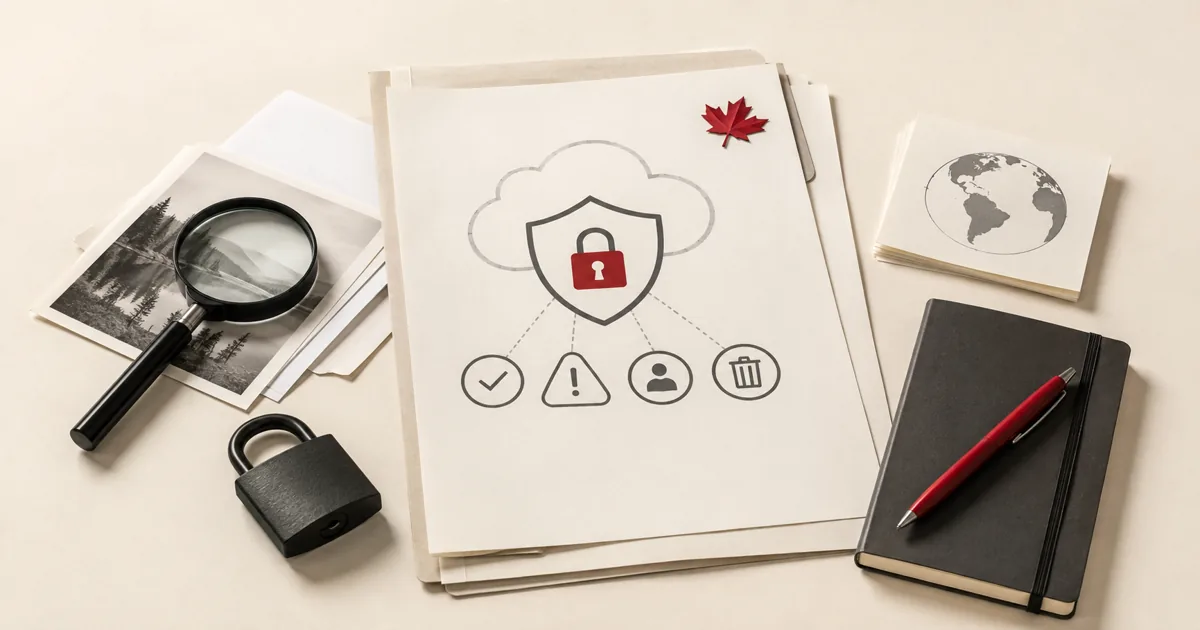
“Is this safe?” is the right question to ask before you upload a PDF anywhere. The useful answer is not a vague promise that everything is secure. It is a practical checklist: encrypted transfer, temporary processing, readable privacy language, and a realistic sense of when a browser upload is the wrong call.
This guide is written to help you judge any online PDF service, not just PDFMaple. The aim is to make the safety decision concrete enough that you can apply it quickly before a real document leaves your device.
The basic safety checks
- HTTPS/TLS in transit: the upload and download should travel over an encrypted connection.
- Clear deletion language: the service should explain that files are temporary and not kept around indefinitely.
- No vague “we may use your content” wording: privacy language should be specific, not slippery.
- A sensible fit for the document: a low-risk handout is not the same as a confidential HR record.
When not to upload
Sometimes the safe answer is simply not to use an online tool. If the document is highly sensitive, subject to internal handling rules, or would create real harm if exposed, an offline or approved internal workflow is the better choice. Security is not only about what a service can do. It is also about what your document should and should not leave your control to do.
Real-world use cases for safe online PDF tools
Judging whether an online pdf tool is safe is rarely about the feature alone. It is about getting to a quick safety check you can apply before using any browser-based PDF service.
Business and operations
A small business owner needs a practical way to judge whether a browser PDF tool is acceptable for everyday documents. That keeps the handoff tighter because access controls are applied before the document reaches inboxes, shared drives, or client threads.
Student projects
Students often upload forms, transcripts, and assignments without a formal IT policy guiding the decision. That matters because the file often contains personal information and still has to reach the reviewer without creating avoidable access problems.
Legal and admin work
Admins need to recognize when a document is routine enough for an online workflow and when it belongs in a stricter environment. That supports cleaner recordkeeping because the protected copy is the one that actually leaves the office or enters the portal.
Freelancer delivery
Freelancers constantly balance speed and trust when handling client files across many platforms. That gives the client a cleaner, more controlled handoff instead of a sensitive file moving around unprotected.
Personal paperwork
People using online PDF tools for forms, statements, and applications need a simple checklist instead of vague reassurance. That reduces exposure in ordinary digital channels where sensitive personal documents are often shared more casually than they should be.
Expert tips that save rework
Security workflows fail less often on the encryption step than on the handoff around it. With is it safe to use online pdf tools? what to look for, the checks that matter most are the right file, the right protection settings, and a quick test in a fresh viewer before the document leaves your control.
- Check for HTTPS first, then keep going: Encryption in transit is basic, not sufficient. It is the beginning of the checklist, not the end.
- Read the file-handling language carefully: A trustworthy service should be clear about deletion, temporary processing, and whether document contents are sold or reused.
- Match the document to the risk level: A restaurant menu PDF and a medical file do not belong in the same risk category. The sensitivity of the file changes the decision.
- Prefer services that explain their limits plainly: A service that honestly says what it does and does not guarantee is more trustworthy than one that only makes vague marketing promises.
- Have a no-upload fallback for certain files: Some documents are simply better handled offline. Good judgment includes knowing when not to use an online tool.
If you only have time for one review, check transport security, deletion policy, company transparency, and whether the file category is appropriate for browser processing. That is usually the point where a rushed handoff creates avoidable back-and-forth.
Is it safe to upload your files?
Questions about judging whether an online PDF tool is safe usually come down to three things: encryption in transit, how long the files exist on the service, and whether the provider does anything with the contents beyond the job you requested. PDFMaple processes uploads and downloads over HTTPS/TLS, so the transfer itself is protected while the task runs. That is the practical baseline people want when the documents include things like contracts, identity documents, internal reports, client files, and forms with personal information.
The files are intended to be removed automatically after processing, and PDFMaple does not read, sell, or keep the contents as a standing document library. For the full policy wording and limits, see the Privacy Policy. That matters most for files such as contracts, identity documents, internal reports, client files, and forms with personal information.
Online tool vs desktop software — which should you use?
For most one-off jobs, the browser is the fastest path because the file can be fixed and downloaded without a longer software setup cycle. That matters most when you are on a borrowed machine, a phone, or a laptop that does not have Acrobat installed. For judging whether an online PDF tool is safe, that usually means an online tool is enough when the task is occasional and deadline-driven.
The desktop route is stronger when you need offline-only handling for regulated, contractual, or extremely sensitive documents. For routine document chores, though, the lighter online path is often the more sensible choice because it gets you to the output faster.
- Best for one-off document chores
- Practical on mobile or remote setups
- No extra software to maintain
- Good when speed matters more than deep control
- Large recurring jobs
- Deeper correction and document inspection
- Offline-only environments
- Teams that need standardized desktop procedures
Frequently asked questions
What should I look for before I upload a PDF to an online tool?
Start with HTTPS, then look for a clear privacy policy, specific statements about file deletion, and plain language about how the files are processed. If those basics are missing or vague, that is a warning sign. Trustworthy handling should be explained, not implied.
Does HTTPS mean an online PDF tool is automatically safe?
No. HTTPS protects the connection while the file travels, which matters, but it does not answer what happens to the file after upload. You still need to know how the service stores, deletes, or uses the file during processing.
When should I avoid online PDF tools entirely?
Avoid them when the document is highly sensitive, legally restricted, or governed by a policy that requires local or approved-system handling. Convenience is not the only factor. Some files deserve stricter workflows.
Can a privacy policy really help me judge a PDF tool?
Yes, if it is specific. A useful policy explains retention, deletion, processing, and data use in direct language. A vague policy full of generic promises is much less helpful.
What is the biggest mistake people make with safe online PDF tools?
The biggest mistake is treating judging whether an online PDF tool is safe like a throwaway step. Most rework starts when people skip a final check of transport security, deletion policy, company transparency, and whether the file category is appropriate for browser processing, assume the output is fine, and send it immediately. Thirty seconds of review is usually cheaper than a resend.
What should I review before I share the final output?
Review transport security, deletion policy, company transparency, and whether the file category is appropriate for browser processing before you send or upload the file. Those are the details the next person will notice first, and they are also the ones most likely to trigger a resend request. If those parts look right, the workflow is usually in good shape.
What to do next
Once this part is done, the workflow normally shifts to using a practical trust checklist before the next upload. Use the links below if that is what you need next.