Build one PDF packet for an application
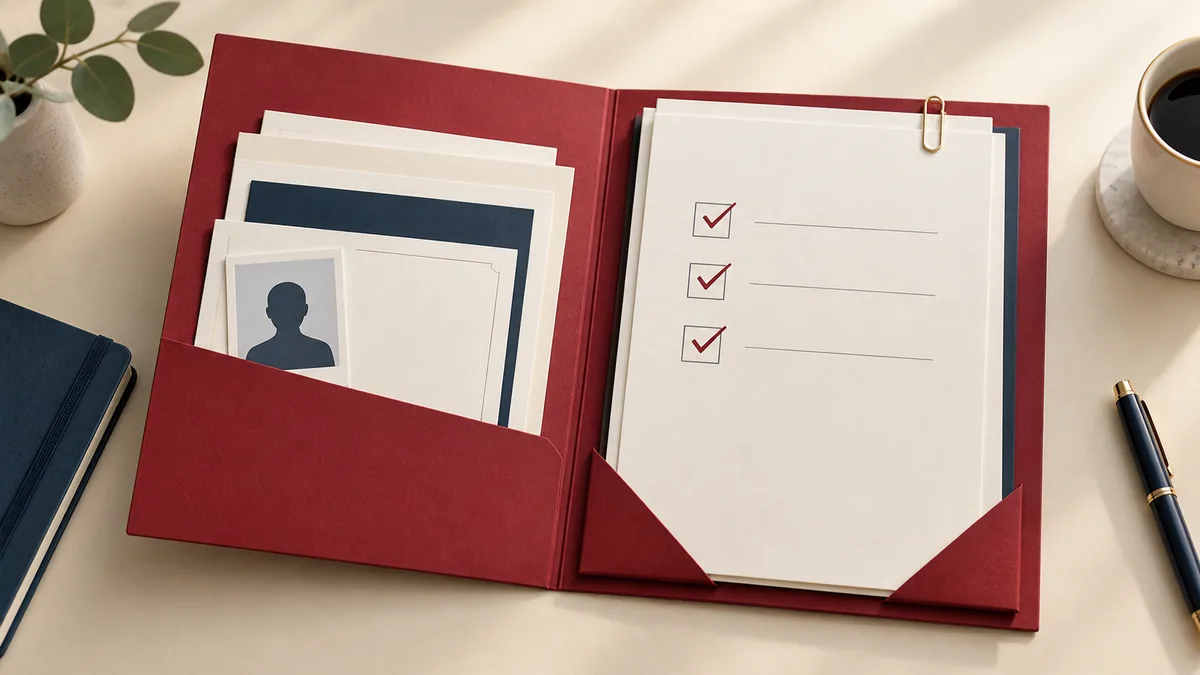
When an application asks for one PDF, the hard part is deciding what belongs in it. A technically valid file can still be rejected if the attachments are in the wrong order, a required page is missing, or the packet includes information the recipient did not request.
Translate the instructions into a page plan
Write a short inventory before uploading anything. For an illustrative application with a one-page cover letter, a two-page resume and a one-page certificate, the expected output is four pages. That arithmetic is a check you can repeat after merging; it is not a rule about what every application should contain.
| Component | Expected positions | Check |
|---|---|---|
| Cover letter | 1 | Correct recipient and role |
| Resume | 2–3 | Both pages, current version |
| Certificate | 4 | Readable and actually requested |
Use the recipient's ordering instructions if they differ. Do not add a cover sheet simply to make the packet look more formal: it changes page numbering and can hide the information the reviewer expects first.
Prepare the individual files
Correct names, dates and contact details in the editable originals. If a source is Word, use Word to PDF and open the export before merging it. Keep certificates at a readable size. Check whether the receiving portal forbids encrypted files or requires a particular paper size.
Give source files unambiguous names, such as 01-cover-letter.pdf and 02-resume.pdf. Numbering helps you spot the intended sequence, but still inspect the actual order shown by the merge tool.
Merge, then inspect the joins
- Open Merge PDF and select the prepared files.
- Arrange them according to your page plan and create the combined PDF.
- Open the downloaded copy. Count the pages, then inspect each transition between components.
- Check the first and last page for a wrong version, a blank page or a sideways attachment.
Make the final upload check
Compare the final file size with the portal's limit. If compression is necessary, inspect small text in the certificate afterward. A sharp resume does not prove that a scanned attachment is readable. Use a neutral filename that identifies the application without exposing unnecessary personal details.
Upload the file and use the portal's preview if it provides one. Confirm that the displayed filename matches your checked copy and retain any submission receipt. A local download does not mean the receiving system has accepted it. The final PDF checklist provides a useful last pass.