
Check invoice text after OCR: numbers, rows and references
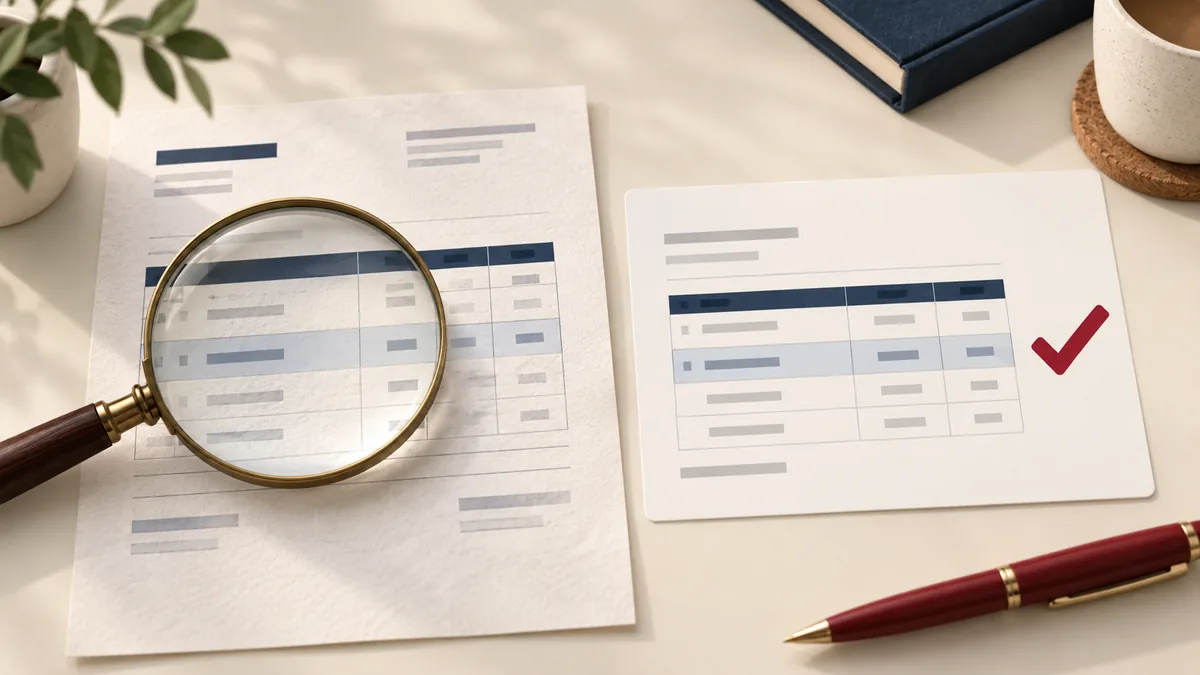
OCR is useful when an invoice exists only as a scan, but recognized text is a transcription that needs checking. A plausible-looking amount or date can be wrong without looking obviously garbled. Validate the text before reusing it in another document or spreadsheet.
Choose a short trial with difficult details
Start with one representative page containing the invoice number, date, currency, line items and total. Include a page with small type or a stamp if that is typical of the set. A clean title page is a poor test of whether the body pages will convert usefully.
Open PDF to Word, choose editable output, and select the recognition language where offered. Download the DOCX and check that a line of text can be selected. An image of a page inside Word is not the same as editable text.
Check characters that can change meaning
Compare reference numbers character by character. Zero and the letter O, one and the letter I, or a faint minus sign can be confused. Inspect decimal separators, thousands separators and currency labels rather than assuming the document uses your usual regional convention.
For an illustrative reference such as INV-10O8, keep the original scan beside the recognized text while deciding whether the third character is a letter or a digit. Do not “correct” an unusual reference merely because another pattern looks more familiar.
Read tables across rows
A converted table can look orderly while a description has slipped into the row below. Match each quantity, description and amount as a group. Check a long wrapped description and a blank cell, because those are common places for alignment to become ambiguous.
If you use PDF to Excel for table extraction, check the exported cell types and layout independently. This does not guarantee OCR support for every scan or produce verified accounting data. A format change does not remove the need to compare against the source.
Keep corrections traceable
- Retain the original scan under its original reference.
- Save the converted file as a separate working copy.
- Record unclear fields instead of guessing.
- Ask the document owner for a clearer source when a material detail cannot be read.
Do not replace an authoritative record with a cleaned transcription just because the transcription is easier to edit. The scan-to-Word checklist covers image preparation and a useful proofreading order. Review the file-handling policy before uploading invoices with personal or account information.