Check resume fonts and layout after exporting to PDF
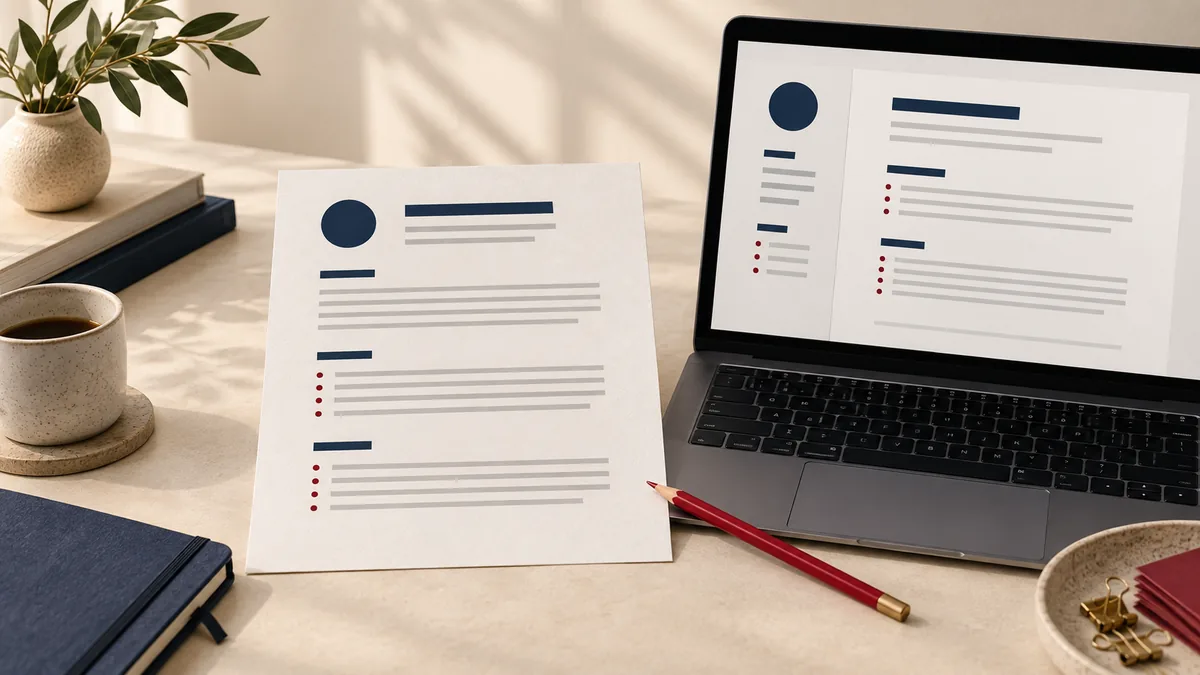
A resume PDF should remain readable outside the application used to write it. Before sending it, check the exported file as a separate document. A correct Word preview does not prove that the PDF retained the same fonts, line breaks or text order.
Start from the editable original
Make content changes in the source document and keep that version. Export through Word to PDF when the source is DOC or DOCX. Repeatedly converting an old PDF to Word and back can introduce avoidable layout changes.
Use the format requested by the employer. Some systems request DOCX rather than PDF, or ask for attachments separately. A polished PDF is not a substitute for following those instructions.
Inspect the places where reflow is expensive
Look first at the end of each job entry, where a changed line break can leave one bullet stranded on the next page. Check the contact line for missing symbols and verify that dates remain next to the correct role. A substituted font can change spacing even when its overall appearance seems similar.
For an illustrative two-page resume, inspect the bottom of page one and the top of page two together. If the last bullet has moved, correct the source layout and export again. Do not solve a small overflow by shrinking every line until the document is uncomfortable to read.
Check text as well as appearance
- Search the PDF for your surname and one distinctive job title.
- Select a short paragraph and copy it into a plain-text editor.
- Read the copied text for missing characters and unexpected column order.
- Check email and website links if you intend them to be clickable.
These checks help reveal text-layer problems, but they do not guarantee compatibility with every recruitment system. Avoid claims that a conversion makes a resume universally “ATS approved.” The receiving software and its configuration are outside the PDF tool's control.
Review the submitted version
Open the PDF on a narrow screen as well as your desktop. Confirm that headings are easy to find and small text remains readable when zoomed. If an application requires a combined packet, use the application-packet workflow and repeat the page-boundary check afterward.
Finally, verify the filename and remove old versions from the upload selection. If you need compression, compare the result with the original before sending it. The Word export guide explains other layout checks that are useful for tables and page breaks.