
Rotate PDF
Rotate PDF pages online by 90°, 180°, or 270° to fix scans, page orientation, and print-ready layouts.
Files are sent to PDFMaple’s server when you run processing or export. Some previews and page edits run on your device. File handling and retention
1 Select your files
2 Process & download
Learn more about Rotate PDF
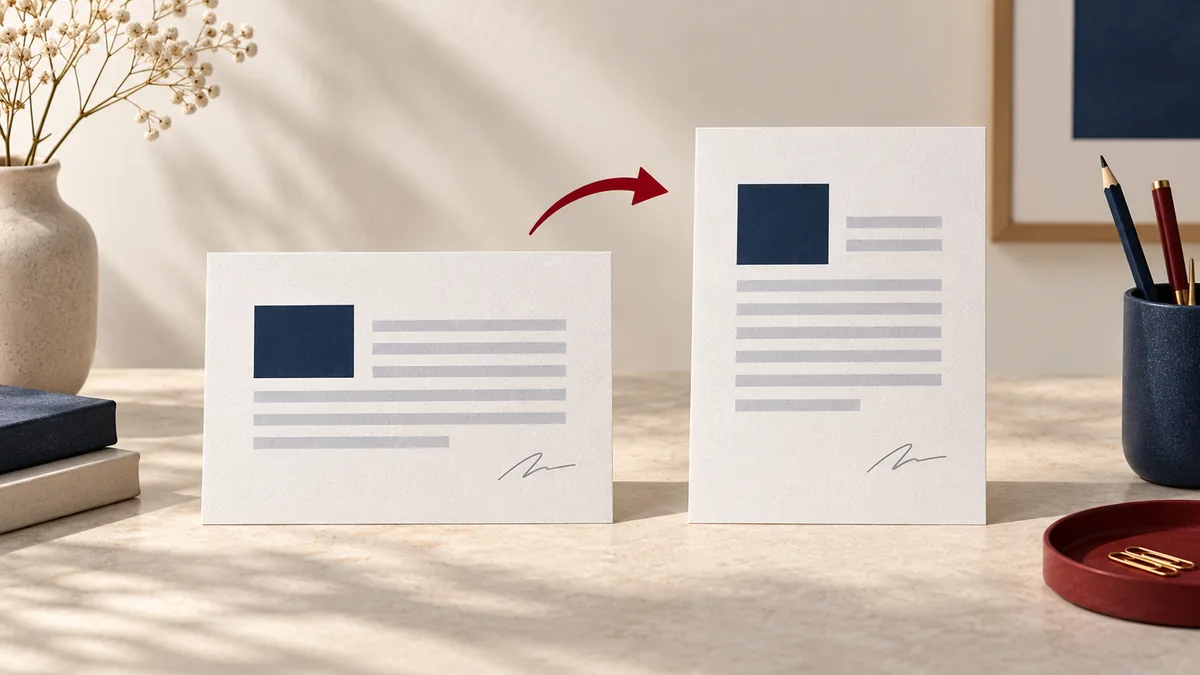
What a correctly rotated PDF should fix
Rotate PDF is about making a document readable without forcing everyone else to tilt their head, rotate a screen, or print a file the wrong way up. A good result leaves each page opening in the correct direction for normal reading and printing.
This comes up constantly with phone captures, office scanners, mixed-source packets, and inherited PDFs where a few pages landed sideways even though the content itself is fine.
When rotation is the fastest cleanup step
- Fix sideways or upside-down pages after scanning or mobile capture.
- Rotate only the affected pages instead of re-exporting the whole file.
- Make a PDF easier to read and print before sending it onward.
Use rotation when the problem is orientation, not layout. It is a quick fix that saves you from rebuilding the source document just to correct pages that were scanned or exported in the wrong direction.
How to rotate only the pages that need it
- Upload the PDF with sideways or upside-down pages.
- Select the correct rotation angle so the fixed pages match the rest of the document.
- Click Run tool and let processing finish without closing the tab mid-task.
- Open the rotated output and confirm every affected page now reads in the intended direction.
The main choice is whether the whole file needs rotation or only selected pages. Mixed-orientation documents are common, so thumbnail review before and after the change is worth the extra few seconds.
Orientation checks before you move on
- Confirm that every corrected page now opens upright in normal viewing mode.
- Review mixed packets to make sure the pages that were already correct did not get rotated with the wrong group.
- If the file will be printed, check that top and bottom margins still make sense after the orientation fix.
Orientation issues are easy to spot in thumbnails and easy to miss if you only test one page. Scroll the whole file quickly before you declare the job done.
Rotation mistakes that keep files awkward
- Rotating the entire document when only a subset of pages needed correction.
- Fixing the on-screen view but not noticing that landscape pages are now upside down for print.
- Assuming that rotation also cleans up scanner borders, skew, or page order when those are separate problems.
Rotation is often the first cleanup step, not the last. If the document still looks messy afterward, it may need cropping, reordering, or compression before it is really ready to share.
Scan-quality and printing notes
Orientation fixes do not change document sensitivity, but they do change usability. A page that was technically present but unreadable becomes much easier to review once it opens properly, so take a moment to confirm the now-readable page still belongs in the file.
Sideways scans often come with other capture issues such as dark edges or inconsistent margins. If the source came from a rushed batch scan, expect that rotation may reveal a second cleanup step rather than eliminate it.