
PowerPoint to PDF
Convert PowerPoint to PDF online. Export PPT or PPTX slides into a stable, shareable PDF for printing or review.
Files are sent to PDFMaple’s server when you run processing or export. Some previews and page edits run on your device. File handling and retention
1 Select your files
2 Process & download
Learn more about PowerPoint to PDF
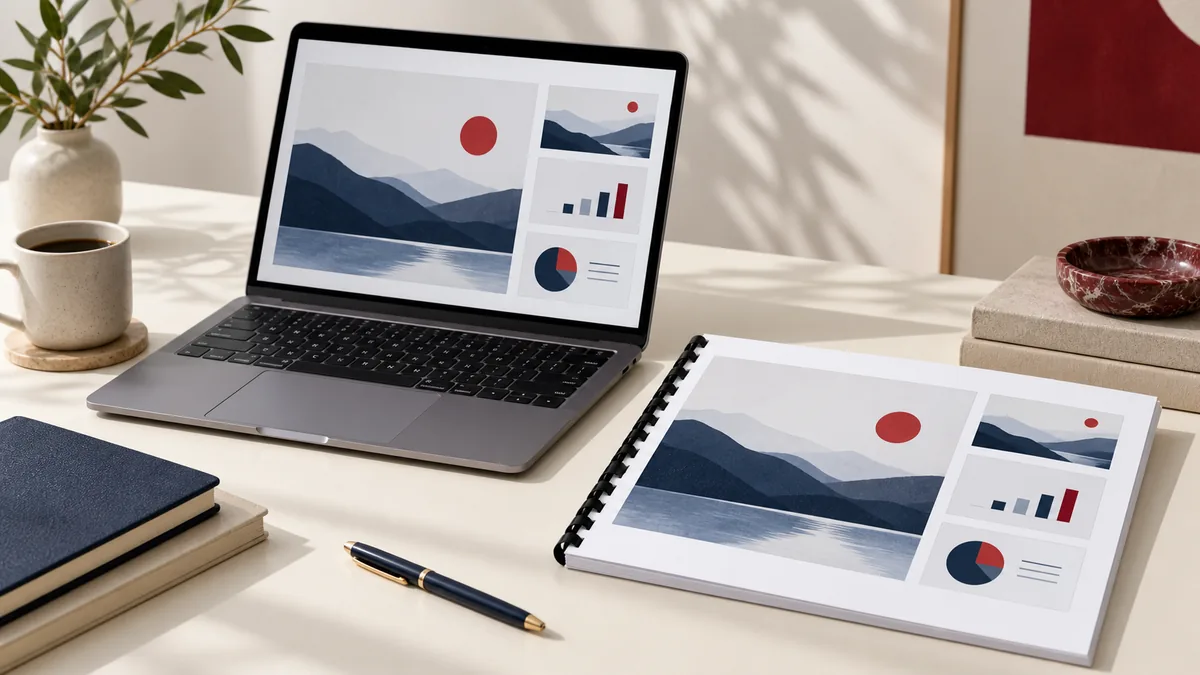
What a presentation PDF should preserve
PowerPoint to PDF is about turning a slide deck into a stable viewing file that looks the same for the audience even when they do not have your fonts, your software version, or your exact system setup. A good export keeps the slide sequence, visual balance, and readability of the deck.
This is the format people reach for when they need to email a deck, print handouts, upload slides to a portal, or share a presentation without giving away an editable PPTX.
When PowerPoint should become a PDF
- Send slide decks to people who only need to view or print them.
- Create handouts for meetings, training sessions, or classes.
- Share a lighter presentation file when the original deck is too bulky.
PDF is the better handoff when the presentation is ready to view, not to edit. It reduces font and software mismatch issues and makes it easier to review, print, or archive the deck as delivered.
How to export slides with fewer surprises
- Upload your PPT or PPTX presentation.
- Review slide order and speaker-facing notes before exporting the presentation.
- Click Run tool and let processing finish without closing the tab mid-task.
- Scroll through the PDF and confirm slide order, aspect ratio, and visual alignment before sending it.
Before export, think about hidden slides, notes pages, and oversized media. A polished PDF starts with a clean presentation file and a clear decision about what the audience is supposed to receive.
Slide checks before you distribute the PDF
- Flip through the PDF to make sure every intended slide is present and that hidden slides did not slip into the output.
- Review charts, small labels, and speaker-heavy slides at normal reading size rather than thumbnail size.
- If the PDF will be printed, confirm that widescreen slides and margins still look acceptable on paper.
Animations and transitions do not survive as interactions in PDF, so review any slide that depended on progressive reveals. What looked clear in slideshow mode may need a last design check in static form.
Presentation export mistakes to avoid
- Assuming the PDF will preserve animation logic that only existed during presentation playback.
- Exporting a deck with hidden or backup slides still inside the file and then sharing more than intended.
- Ignoring print layout until after distribution, even though many people still use slide PDFs as handouts.
A slide deck can be visually beautiful and still fail as a PDF if it relied on motion, layers, or notes that never belonged in the audience copy. Review the export as a reader, not as the presenter who already knows the story.
Sharing and print-workflow notes
Presentation PDFs are often forwarded widely, so treat them like durable deliverables. If the deck contains internal pricing, draft language, or speaker-only annotations, make sure those elements are gone before you export.
For archiving, keep both copies: the PPTX for future editing and the PDF for the exact delivered version. They solve different problems and are both useful in a normal presentation workflow.