
Compare PDF
Compare PDFs online and generate a visual diff so you can review layout, content, and version changes more easily.
Files are sent to PDFMaple’s server when you run processing or export. Some previews and page edits run on your device. File handling and retention
1 Select your files
2 Process & download
Learn more about Compare PDF
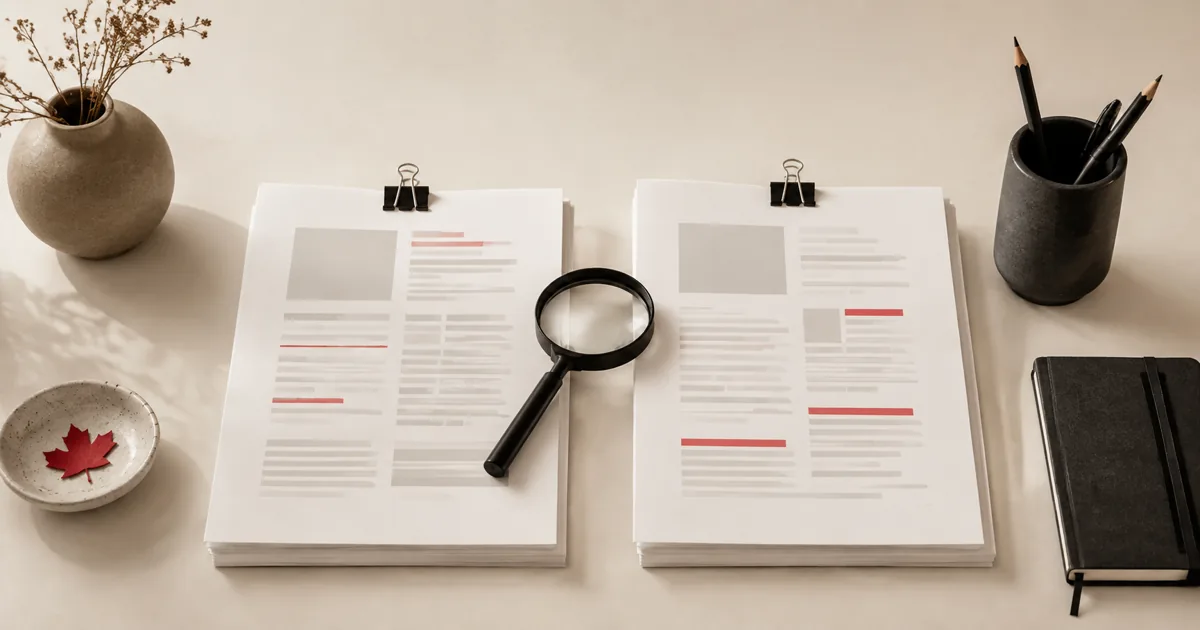
What a useful PDF comparison should reveal
Compare PDF is for the moments when two document versions look similar enough that manual review becomes slow and unreliable. A good result highlights the differences clearly enough that you can focus on what changed instead of spending time proving that nothing else did.
This is valuable for contracts, revised reports, policy updates, design proofs, approvals, and any workflow where several PDFs with near-identical filenames are circulating at once.
When comparing versions saves real time
- Check changes between two contract versions before approval.
- Review policy or report revisions when multiple people edited the document.
- Spot visual differences across pages without line-by-line manual checking.
Use comparison when the risk of missing a change is higher than the cost of running the tool. It is especially helpful late in review cycles, when the edits are smaller and therefore easier to overlook manually.
How to compare the right files
- Upload both PDF versions so the tool can compare them page by page.
- Choose a resolution that is detailed enough to show differences without creating unnecessarily huge output.
- Click Run tool and let processing finish without closing the tab mid-task.
- Open the comparison output and focus on the flagged pages so you can decide what changed and what matters.
The biggest decision is file selection. Comparison only helps if the two PDFs really are the versions you think they are, so slow down long enough to confirm names, dates, and the intended baseline before you run the diff.
Comparison checks before you rely on the diff
- Verify that you selected the correct pair of versions and not two exports of the same draft or two unrelated files with similar names.
- Review changed pages at a readable zoom level if the output includes images or visual diff files.
- Decide whether the detected difference affects meaning, layout only, or both before you escalate it as a real change.
A comparison tool shows differences, but the reviewer still decides whether those differences matter. Use the diff to direct attention, then apply judgment about impact and whether another revision is needed.
Version-review mistakes that lead to false confidence
- Comparing the wrong versions and then trusting the output because the filenames looked close enough.
- Treating every detected difference as equally important even when some changes are only visual noise or pagination shifts.
- Skipping manual review of the changed pages because the diff felt authoritative enough on its own.
The fastest review workflows combine automation with judgment. Let the comparison output narrow the search, then verify the changed pages like a person who actually has to approve or send the final document.
Review-process and file-selection notes
Comparison outputs are often shared during review discussions, so label them clearly. People should be able to tell whether they are looking at the original PDF, the revised PDF, or the difference output itself.
If the underlying files are sensitive, the comparison artifacts are sensitive too. A diff can reveal just as much about the content as the PDFs being compared, so handle it with the same care.